 Fleet Tracker
Alerts page
Everything overdue or due soon in one list: MOT, tax, insurance, warranty, cover, tracker, tyres, brake fluid, services, bookings, plate retention and mileage updates.
You sign up, add your vehicles, and the app keeps every date, record and cost in one place, showing what is due before it is urgent.
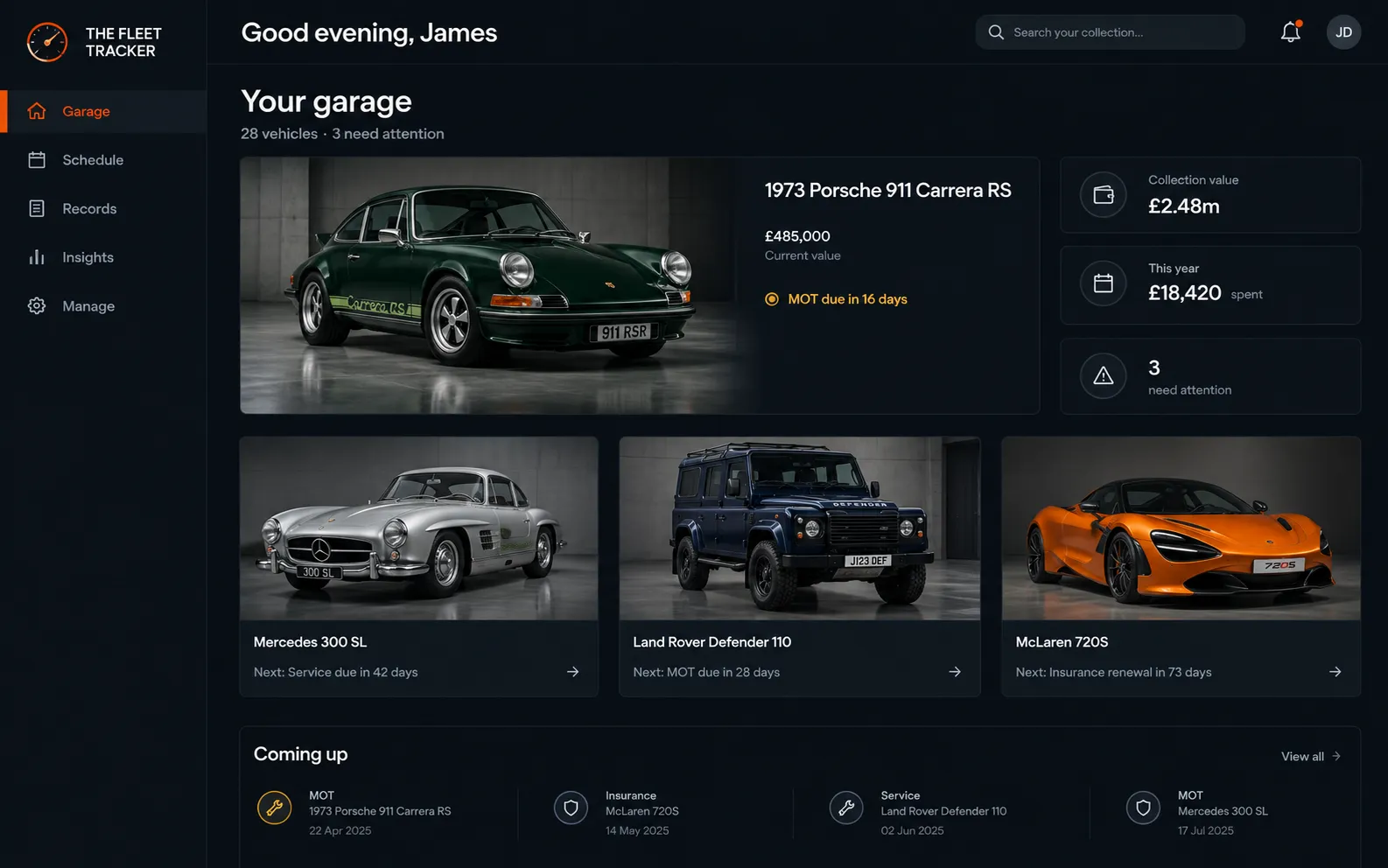
Here is what happens at each step.
Create an account, confirm your email and name your garage. Your free trial starts straight away with every tool switched on.
Type a current-format UK registration, such as AB12 CDE, and the make, colour, fuel, MOT expiry, tax status and mileage history are filled in for you. Classic, dateless and older-style plates can be added by hand.
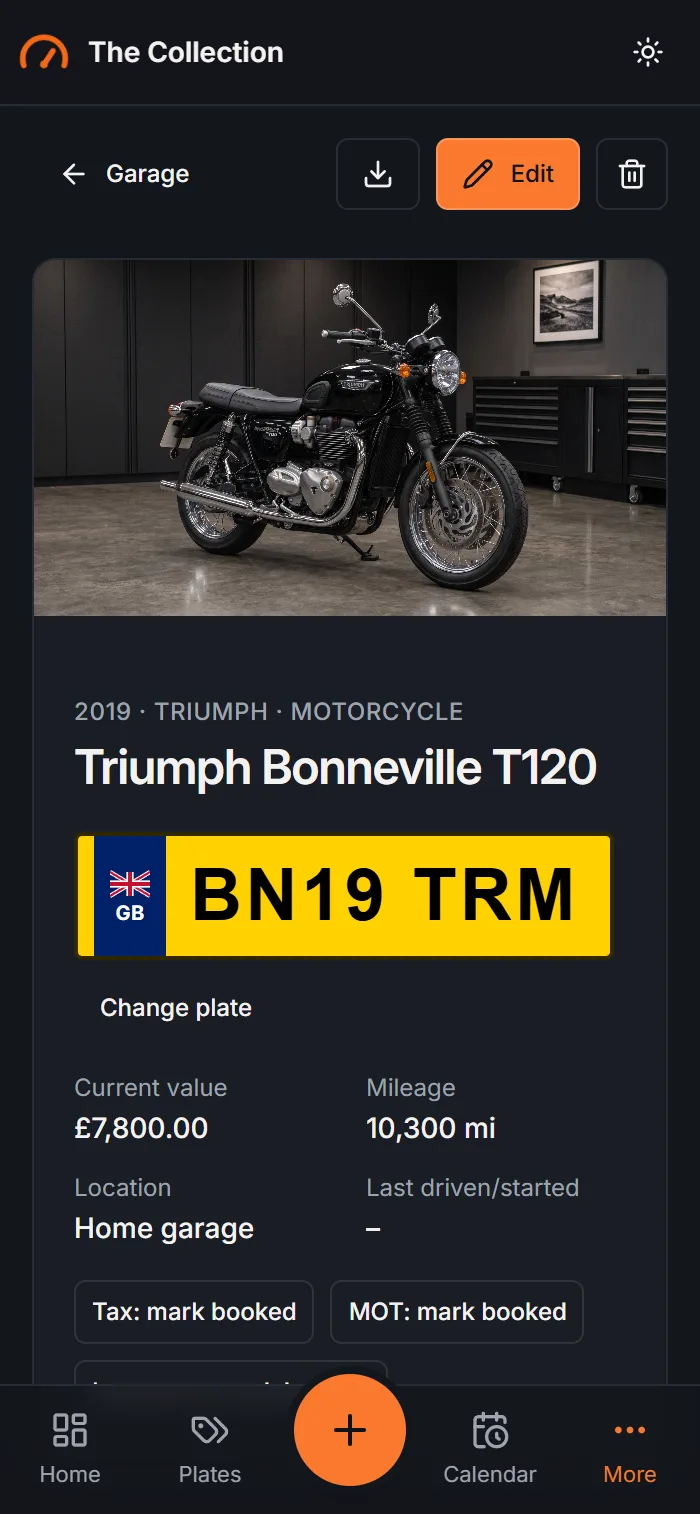
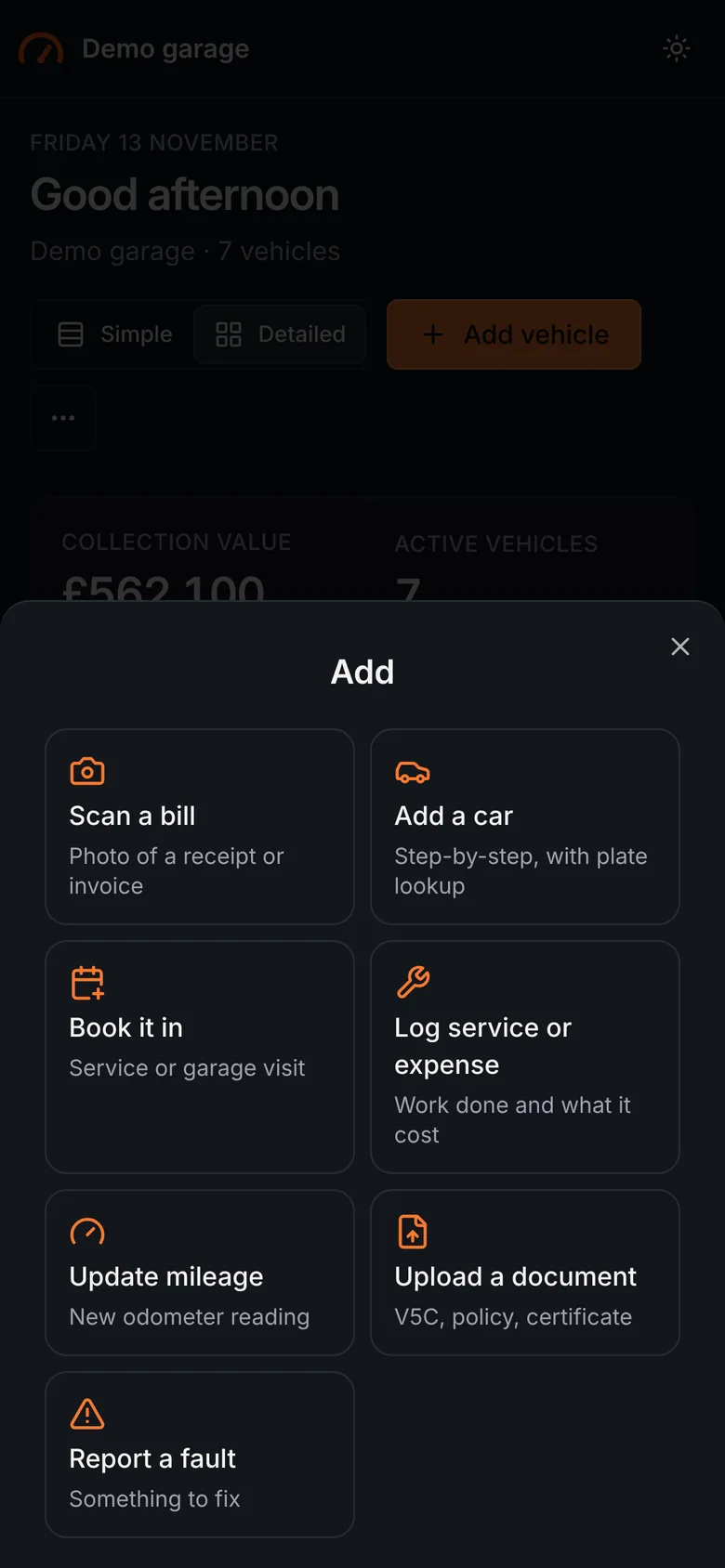
Add insurance policies, services, faults, warranties, documents and photos as they happen. Each vehicle can also hold breakdown cover, wheel and tyre cover, tracker, tyre, protection film and coating, storage and charging details.
The Alerts page lists everything overdue or due soon, on every plan. The calendar shows renewals and bookings by month, and you can subscribe to it from Apple, Google or Outlook.
Calendar on Growth and Fleet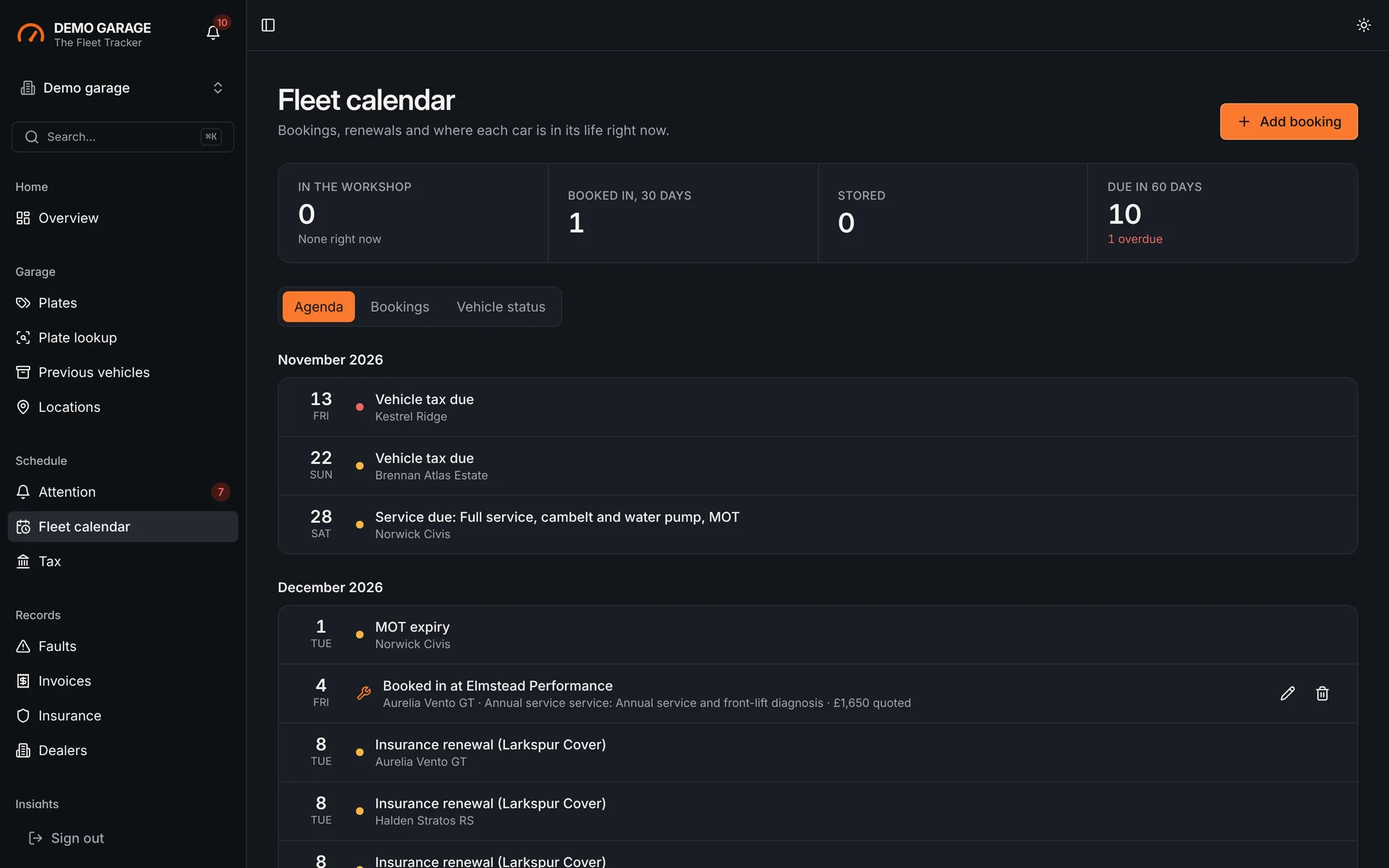
Invite people as a manager, a user or a read-only member. See what each vehicle has cost, and forecast the next 3 to 60 months of costs.
Forecast on Growth and Fleet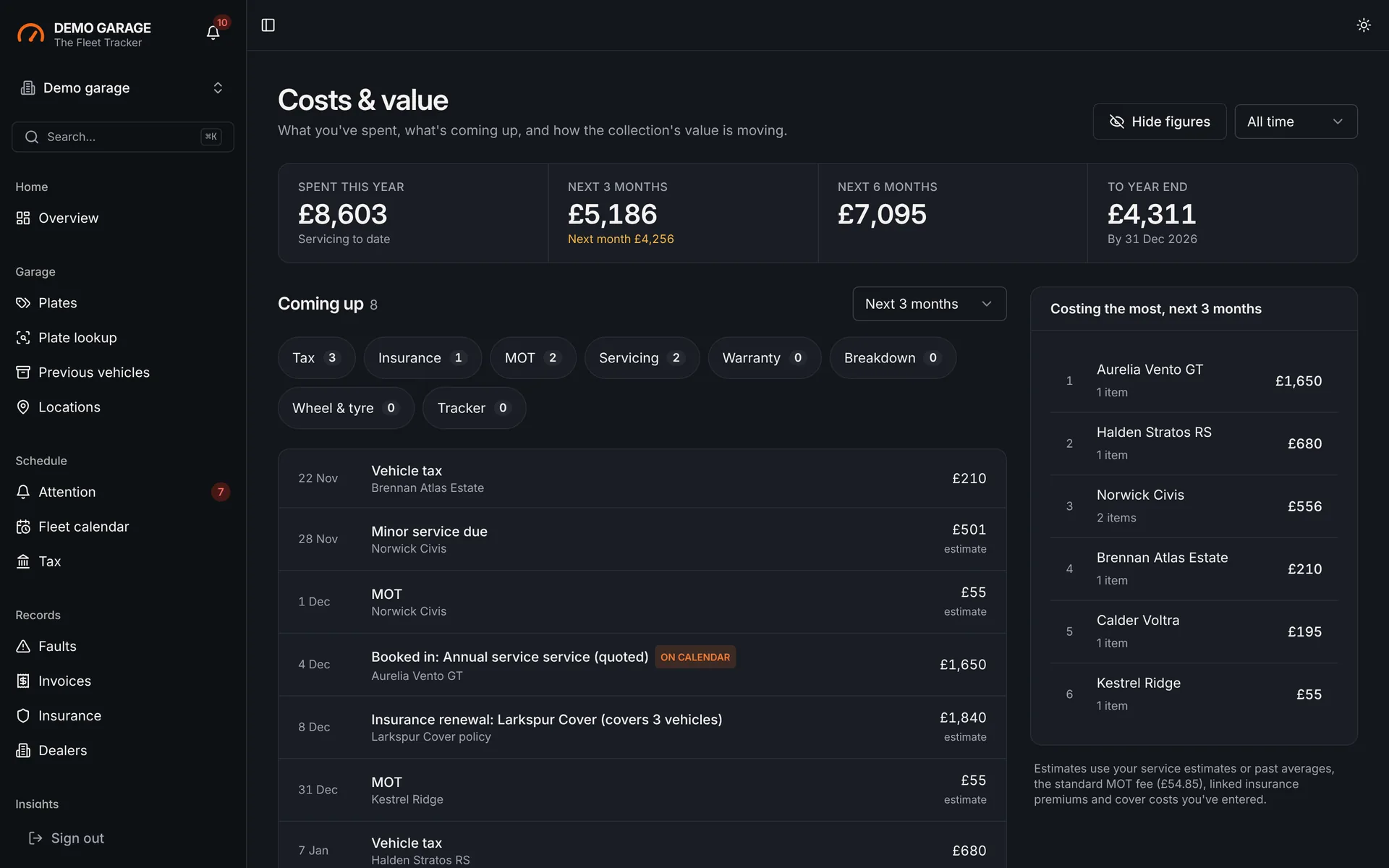
Every plan shows what is due. Higher plans tell you without you having to open the app.
Everything overdue or due soon in one list: MOT, tax, insurance, warranty, cover, tracker, tyres, brake fluid, services, bookings, plate retention and mileage updates.
A summary of what is due, sent daily or weekly on the day and hour you choose, to the people you pick.
Each morning, vehicles with MOT or tax due within 35 days are re-checked, so the dates stay current without you looking them up.
3 vehicles
10 vehicles
20 vehicles
No. Fleet Tracker works in any modern browser, and you can add it to your phone’s home screen. There is no app store download.
Lookups work for current-format registrations such as AB12 CDE. Older, dateless and Northern Ireland plates can be added by hand with the same records and reminders.
Only people you invite to your garage. Access is checked on our servers for every request, and you choose each person’s role.
Sign up free. No card is needed to start.